
Sign up in under a minute

Bonus terms & conditions apply.
Pure Casino Mobile App: Playing on Your Phone and Tablet
Pure Casino Mobile App
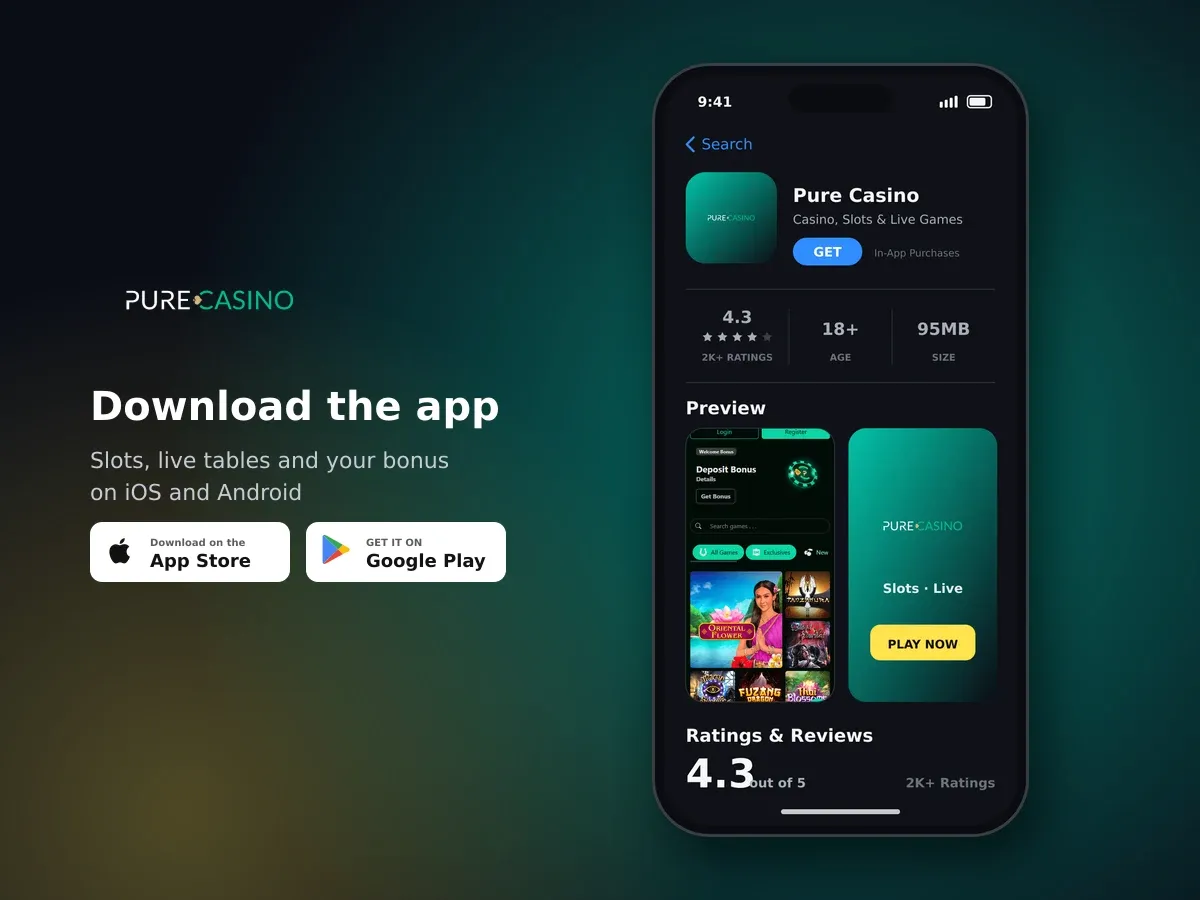
Pure Casino
- 4.3 2K+ ratings
- 95MBSize
- 18+Age
- 10K+Downloads
Mobile play: open the browser and you are in
Pure Casino is built to run in the browser you already use on your phone. You type the address, sign in with the same details you use on a desktop, and the layout adjusts itself to your screen - buttons sit where your thumb can reach them, and menus collapse so the game takes up the space.
There is nothing to install and nothing to update. Your balance, your bonus progress and your history are the same wherever you log in, because it is one account rather than a separate mobile version of it.
- Open your browser
Use the browser that came with your phone or any one you prefer, and go to our address.
- Sign in
Enter the email address and password tied to your account. If your phone offers to save them, that is your choice to make.
- Add the site to your home screen
Most mobile browsers let you save a shortcut. From then on it opens with one tap, the same way an installed program would.
- Pick a game and set your stake
Tap a title to load it, set the stake with the on-screen controls and play. Turning the phone sideways gives most games more room.
A home screen shortcut saves you typing
Saving the shortcut keeps your sign-in flow short, but it does not store your password on its own. Keep a screen lock on your phone so nobody else can open your account.
Slots, live tables and demo play on a touchscreen
The library holds 80 titles from 12 studios - Rival, Betsoft Gaming, Tom Horn, Saucify, Fugaso, Felix Gaming, InstaNet, Dragon Gaming, Qora Games, Fresh Deck Studios, Wingo and Vivo Gaming. Alongside slots you will find roulette, blackjack, video poker, baccarat, bingo, keno, jackpot games and crash games, all loading in the same browser window.
Slots suit a phone well: one tap spins, one tap opens the paytable. Titles such as Gold Rush and Vintage Vegas from Rival, or Take the Bank, Thai Blossoms and Book of Helios from Betsoft Gaming, keep their controls along the bottom edge so your hand never covers the reels.
Our live tables - live baccarat, live blackjack, live poker and live roulette - stream video to your phone, so they ask more of your connection than a slot does. Landscape mode gives you the full table and the chip tray at once, and the bet timer is easier to read.

Open your account today
Many games can be opened in demo mode without a deposit. On a phone that is the quickest way to learn where a game puts its buttons before you stake real money, and it costs you nothing but a minute.
Topping up from your phone: methods and currencies
The cashier is the same on mobile as it is anywhere else. We accept 21 deposit methods across four categories, so you can use the card in your wallet, an e-wallet app you already have open, a bank transfer or cryptocurrency.
| Category | Methods you can use |
|---|---|
| Cards | Visa, Mastercard, American Express |
| E-wallets and vouchers | Neteller, Payz (ecoPayz), Moneybookers, MiFinity, PayDo, PaysafeCard, Neosurf, Flexepin, Cashlib |
| Bank | Online bank transfer, standard bank transfer, Interac |
| Cryptocurrency | Bitcoin (BTC), Bitcoin Cash (BCH), Tether (USDT), USD Coin (USDC), Litecoin (LTC), Tron (TRX) |
We hold balances in pounds for players here, and accounts can also be run in several other currencies if you move around. Crypto deposits work neatly on a phone, since you can copy the address straight into your wallet app and come back to the tab when the transfer confirms.
Some routes take money in but do not send it back out
A method you deposit with is not automatically a method you can be paid through, and the two do not have to match. The cashier shows what is open to you before you confirm anything.
Claiming the welcome package while you are on your phone
New players start with a welcome package of up to £4,300 plus 100 free spins on a first deposit of £5 or more. You claim it in the mobile cashier exactly as you would on a computer: choose your method, enter the amount, confirm, and the bonus lands with your deposit.
| Term | Value |
|---|---|
| Minimum deposit | £5 |
| Wagering | 35× bonus amount |
| Maximum bet while wagering | £5 per spin or round |
| Time to use it | 30 days |
Here is how the wagering works in practice. Say the bonus credited to you is £100: at 35× you need £3,500 of qualifying play before the bonus funds become ordinary balance. Keeping stakes at £1 a spin, that is 3,500 spins - comfortable over 30 days if you play most evenings, tight if you plan one short session. Staking above £5 while a bonus is running breaks the max bet rule, and certain games do not count towards the requirement, so check the game list in the promotion terms before you settle in.
Finish the wagering before you ask to be paid
While a bonus is active and the wagering is unfinished, a withdrawal can be blocked or cut back. If you would rather take your winnings than keep playing, clear the requirement first.
Start on your phone with up to £4,300 and 100 free spins
Deposit from £5 in the mobile cashier and the welcome package is added to your first deposit.
Data, battery and a connection that holds
Slots are light on data. Live dealer tables are not, because you are receiving video for as long as you sit there. If you are on a limited plan, keep live play for wi-fi and save the reels for the train.
- Close other tabs. Video streams and background tabs compete for the same connection.
- Watch your battery. Live tables and sustained video drain a phone faster than most apps; plug in for a long session.
- Prefer a stable network to a fast one. A steady wi-fi signal beats a strong mobile signal that keeps dropping between bars.
- Do not switch networks mid-round. Moving from mobile data to wi-fi can interrupt a live table while a bet is on the felt.
- Let a game finish loading. Tapping repeatedly while a title opens slows it down rather than hurrying it along.
If a slot drops out mid-spin, the round is settled on our side rather than in your browser. Reload the game and your balance will reflect what happened.
Keeping your account safe when you play on the move
A phone changes hands and gets left on tables more often than a computer does, so a few habits matter. Your account is protected with encrypted connections, and we verify your identity and your payment details before a first withdrawal is paid out - that check covers proof of identity, proof of address and ownership of the payment method, and in some cases source-of-funds information.
Photographing documents with your phone camera is usually the fastest way through that step. Good light, all four corners of the document in frame, no glare, and nothing cropped off.
Play is entertainment, and every game carries real risk of losing what you stake. Set the limit before you open the cashier rather than after a run of spins, and treat the money you put in as the cost of the evening.
Getting help without leaving your phone
Three routes are open to you, and all three work from a handset. Live chat opens in the same window, so you can keep a game paused while you type. Email suits anything with an attachment, such as a document for verification. Telephone support is there when you would rather explain something out loud than type it with your thumbs.
Support at Pure Casino is handled in English, and the site itself can be read in English, French, German, Italian or Spanish. When you contact us, having your account email and the name of the game or the deposit in question to hand makes the first reply a useful one.
Questions before you play?
Live chat, email and telephone support are all reachable from your phone, in English.
When a game will not load or the screen freezes
Most mobile hiccups come down to the browser rather than the game. Work through these in order before you get in touch.
- Reload the page
Pull down to refresh or tap the reload arrow. This clears the majority of stuck loading screens.
- Clear the cache
An old cached file can stop a game opening after it has been updated. Clearing cached images and files in your browser settings fixes it.
- Try another network
Switch between wi-fi and mobile data, then reload. If one works and the other does not, the connection is the culprit.
- Close and reopen the browser
Shut the browser fully - not just the tab - and open it again. Memory freed up this way often brings a frozen live table back.
- Check your balance before repeating anything
If a deposit seems not to have arrived, look at your balance and transaction history first rather than sending a second one.
One deposit at a time
If a payment page stalls, do not submit it again. Check the cashier, and if the money has left your account but is not showing, send us the time and the amount and we will trace it.